
Wireless Access Point Deployment
Wi-Fi 6, 6E and 7 outgrew 802.3af — and under-powered APs fail quietly
Access points have become one of the most demanding PoE loads in the building. A single-radio 802.11n AP was comfortable on 802.3af; a tri-band Wi-Fi 7 unit with a multi-gig uplink can ask for more than 802.3at can supply. The awkward part is that an under-powered AP rarely fails outright — it degrades, silently, in ways that look like an RF problem rather than a power problem.
What makes this deployment hard
- An AP short of power disables radios or transmit chains instead of reporting a fault
- Twenty-four Wi-Fi 6 APs at class 4 reserve 720 W, which no mainstream access switch provides
- Wi-Fi 6 and later can exceed 1 Gbps per AP, making a gigabit access port the bottleneck
- LLDP power negotiation is frequently disabled by default on the switch
- Ceiling voids put APs at the far end of long runs where delivered voltage is lowest
Quick reference
| Wi-Fi 4, 2x2 dual band | 802.3af, class 3 |
| Wi-Fi 5, 3x3 or 4x4 | 802.3af to 802.3at |
| Wi-Fi 6, 4x4 dual band | 802.3at, class 4 |
| Wi-Fi 6E, tri-band | 802.3at, often class 5 |
| Wi-Fi 7, tri-band multi-gig | 802.3bt Type 3, class 5-6 |
Design guidance
Diagnose the power before surveying the RF
Given insufficient power, a modern AP boots, joins the controller, and then disables capabilities in a vendor-defined order to fit its allocation — shutting down the 6 GHz radio, reducing transmit chains from four to two, dropping the second Ethernet port or cutting transmit power. Users report poor coverage; the wireless team spends a week on antenna placement. Every enterprise AP reports its negotiated power state and any reduced-power mode in the controller dashboard. Check that first.
Make LLDP do the work
Physical-layer classification is coarse: a class 4 AP reserves the full 30 W whether or not it needs it. LLDP power negotiation lets the AP request a precise figure in 0.1 W steps once the link is up, and in practice many Wi-Fi 6 APs settle around 18 W to 22 W. On a 24-port switch that difference is the margin between a working floor and a second switch. Confirm LLDP power management is enabled on the switch, not merely supported.
Treat multi-gig and Type 3 as one decision
An AP that needs 2.5 Gbps almost certainly also wants more than 30 W, and the switches that offer multi-gig edge ports are the same ones that offer 802.3bt. Buying a gigabit 802.3at switch to save money commits you to replacing it at the next AP generation. Cat6a is the safe cabling specification for new work: it gives 10GBASE-T to 100 m and better thermal behaviour under Type 3 power, and re-cabling a ceiling costs many times more than the cable.
Where an injector beats a switch upgrade
When a single AP outgrows the existing switch, a dedicated Type 3 injector for that one device is far cheaper than upgrading every port. The same applies to a temporary or trial deployment. Past roughly six to eight powered devices the arithmetic reverses and a managed PoE switch wins on cost per port, central budgeting and remote power-cycling.
Equipment for this application
All products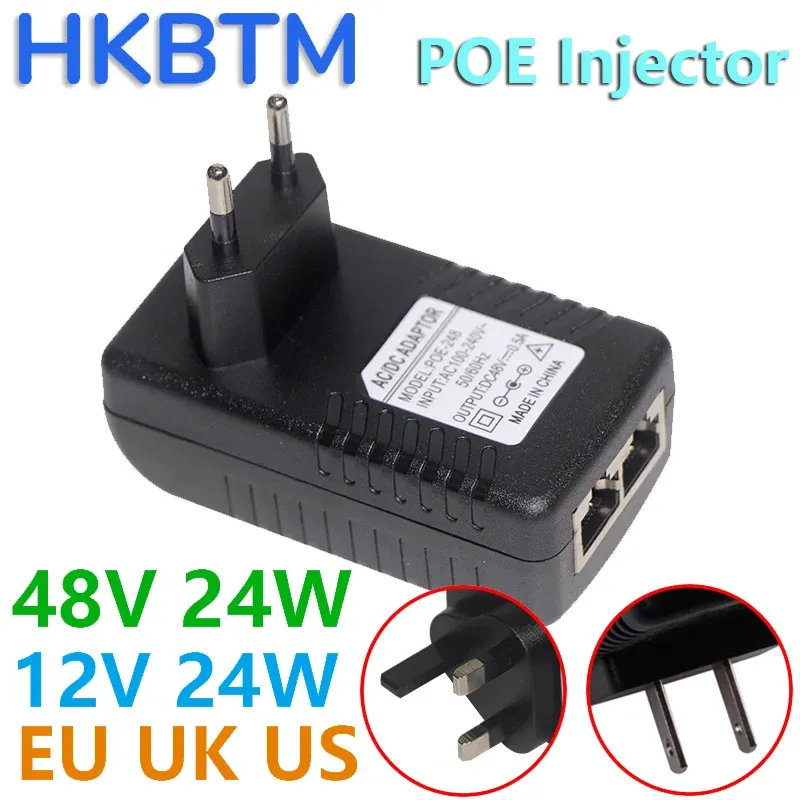
POE Injector 48V 24V 12V 24W EU US UK AU Plug For CCTV IP Camera Power Supply Ethernet Adapter Phone AP
POE Injector 48V 24V 12V 24W EU US UK AU Plug For CCTV IP Camera Power Supply Ethernet Adapter Phone AP
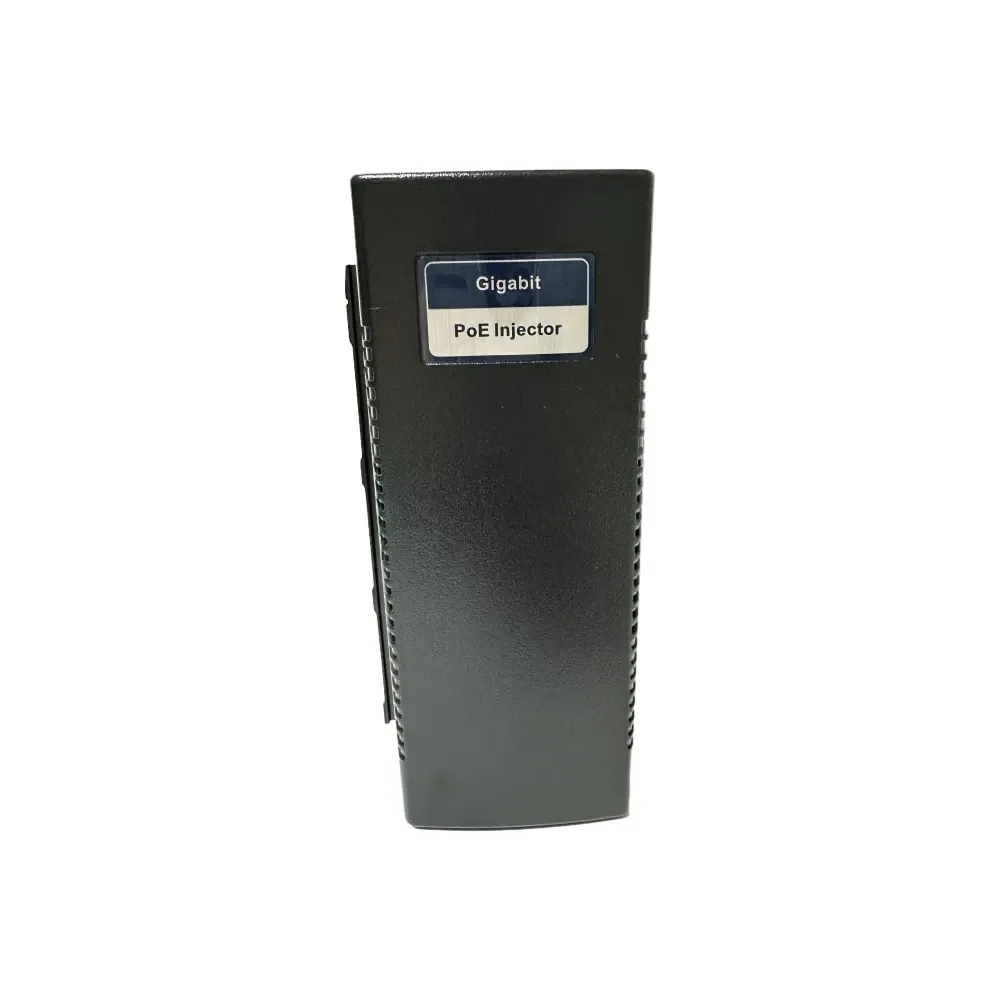
Gigabit POE Injector for IP Camera CCTV Security Surveillance PoE Power Supply Ethernet Adapter Phone US EU UK Plug
Gigabit POE Injector for IP Camera CCTV Security Surveillance PoE Power Supply Ethernet Adapter Phone US EU UK Plug
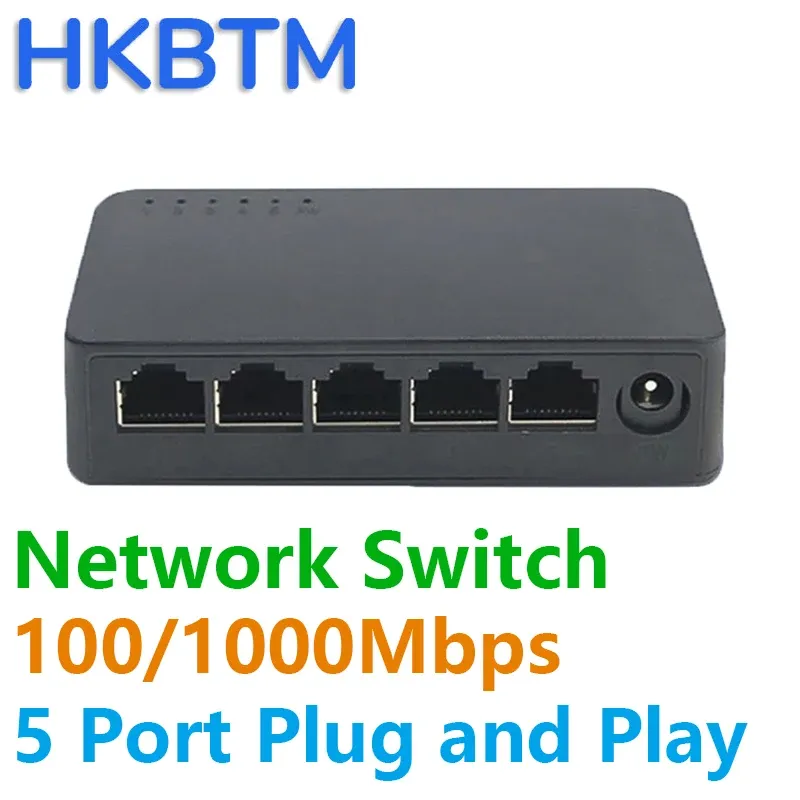
Network Switch Mini 5Ports Switch Ethernet 1000Mbps/100Mbps Gigabit High Performance Smart Switcher RJ45 Hub Internet Injector
Network Switch Mini 5Ports Switch Ethernet 1000Mbps/100Mbps Gigabit High Performance Smart Switcher RJ45 Hub Internet Injector
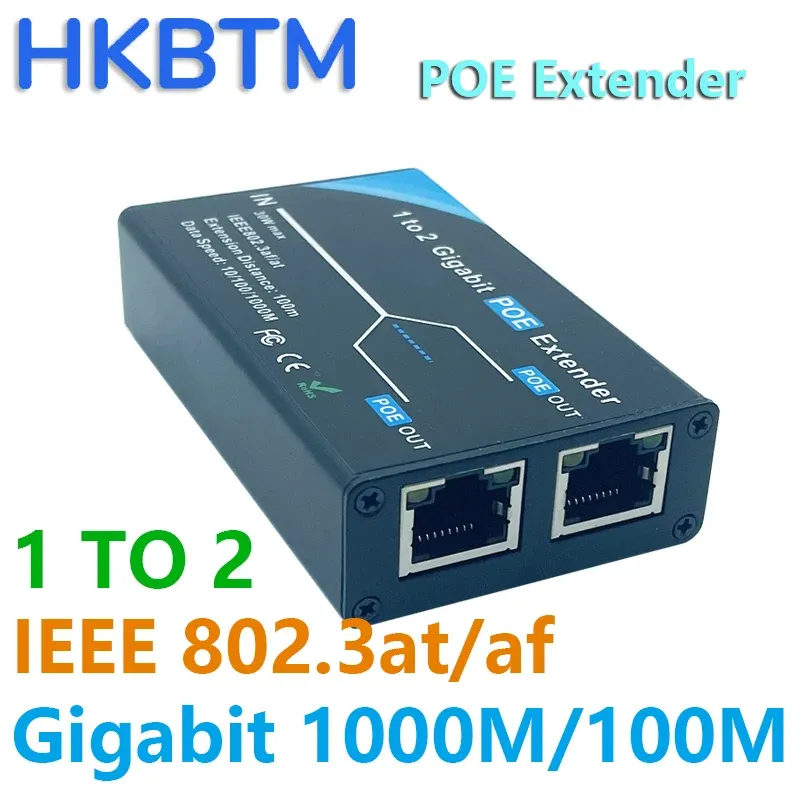
Gigabit 2 Port POE Extender, IEEE 802.3af/at PoE+ Standard, 10/100/1000Mbps, POE Repeater 100 meters(328 ft), Extender
Gigabit 2 Port POE Extender, IEEE 802.3af/at PoE+ Standard, 10/100/1000Mbps, POE Repeater 100 meters(328 ft), Extender
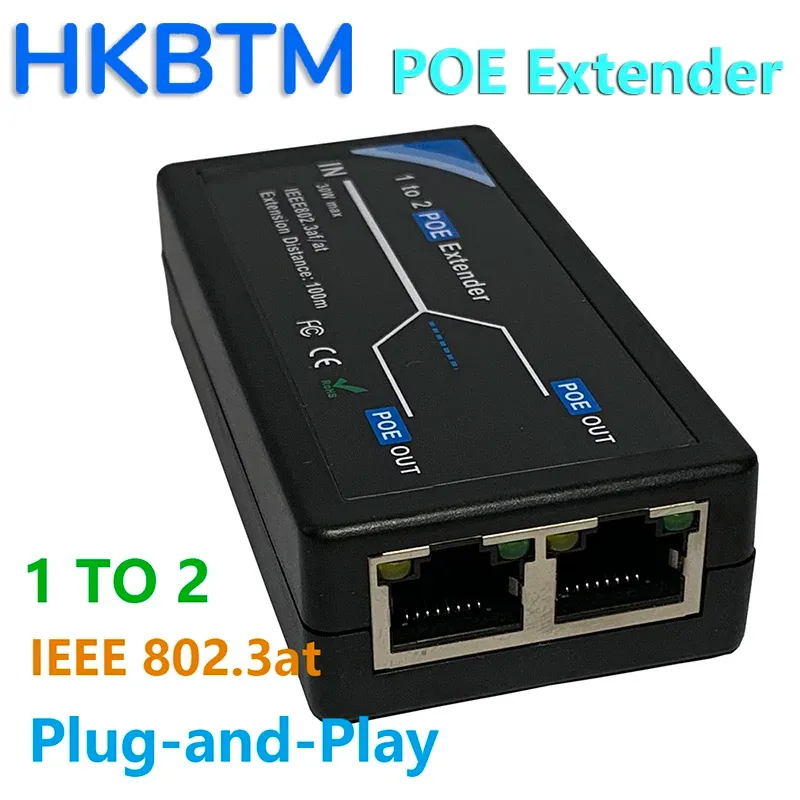
2 Port POE Extender 100Mbps with IEEE 802.3af Standard for NVR IP Camera AP IP VOICE POE Extend 100 meters for POE range
2 Port POE Extender 100Mbps with IEEE 802.3af Standard for NVR IP Camera AP IP VOICE POE Extend 100 meters for POE range
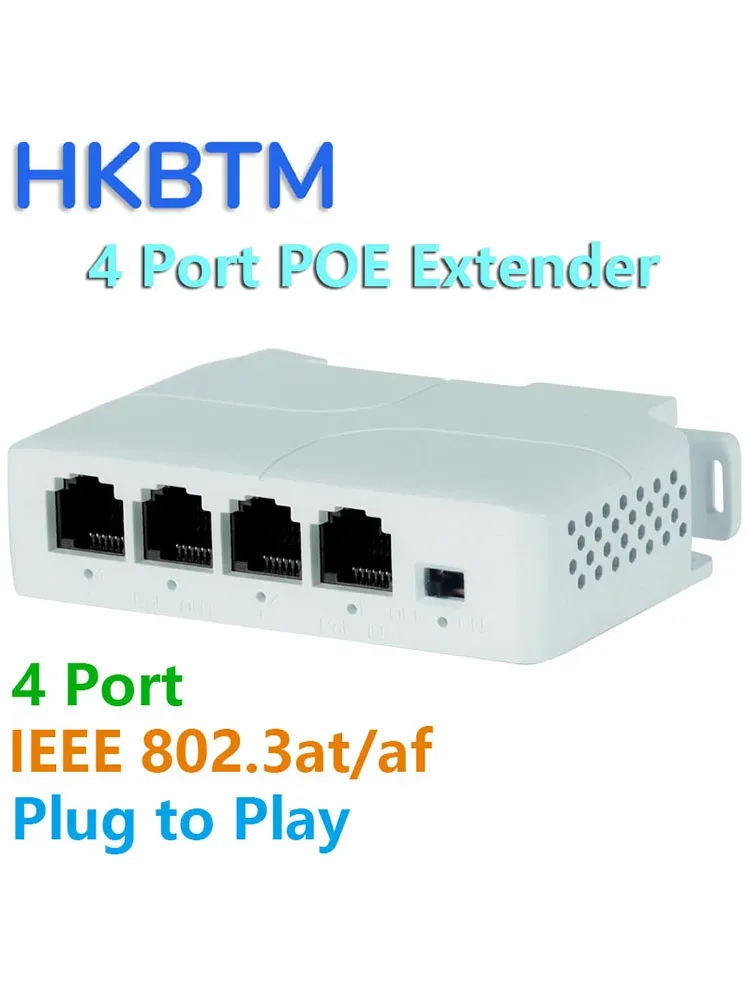
4 Port PoE Extender Waterproof poe repeater for IP Port Transmission Extender for POE Switch NVR IP Camera
4 Port PoE Extender Waterproof poe repeater for IP Port Transmission Extender for POE Switch NVR IP Camera
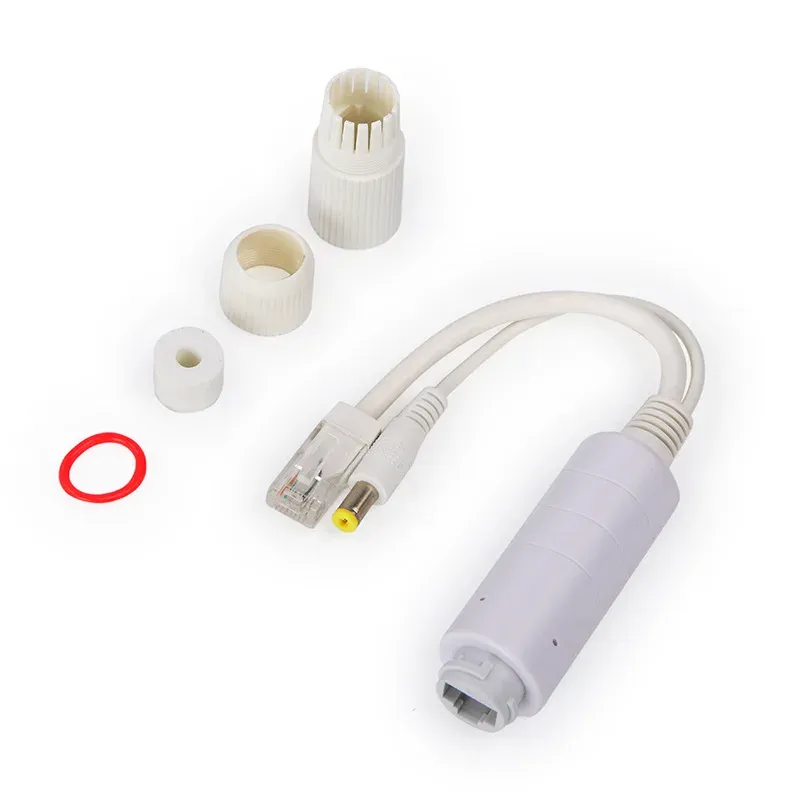
48V to 12V POE Spliter Waterprrof With Video And Power Adapter Cable Supply Module Injector for IP Camera Extender
48V to 12V POE Spliter Waterprrof With Video And Power Adapter Cable Supply Module Injector for IP Camera Extender

28cm USB Cable with Switch ON/OFF Cable Extension Toggle for USB Lamp USB Fan Power Supply Line Durable HOT SALE Adapter
28cm USB Cable with Switch ON/OFF Cable Extension Toggle for USB Lamp USB Fan Power Supply Line Durable HOT SALE Adapter
The engineering behind it
PoE for Wireless Access Points: Wi-Fi 6, 6E and 7 Power Budgets
Why modern access points outgrew 802.3af, how APs degrade when under-powered, and how to size PoE for Wi-Fi 6, 6E and Wi-Fi 7 deployments including multi-gig uplinks.
Read articlePoE Power Classes 0 to 8 Explained
What each PoE class means at the PSE and at the PD, how physical-layer classification works, and why LLDP negotiation and Autoclass change your power budget.
Read articleIEEE 802.3bt Explained: Type 3, Type 4 and 90W PoE
A practical guide to IEEE 802.3bt: what Type 3 and Type 4 deliver, how 4-pair power works, single- and dual-signature PDs, Autoclass, and backward compatibility.
Read articleHow to Choose a PoE Switch: Ports, Power Budget and Management
The specifications that actually decide whether a PoE switch will run your installation: system power budget versus per-port rating, managed features, uplinks and thermals.
Read articleSpecify it with us
Tell us the load, the distance and the environment, and we will come back with a part list. We also build to specification where nothing off-the-shelf fits.